MS Office Course: Skills That Open Doors
Ever spent twenty minutes formatting a spreadsheet that a single shortcut could have fixed in two? You're not alone and closing that exact gap is what a well-built MS office course is meant to do. Whether you're a student gearing up for internship season, a career-switcher polishing a resume, or someone who's used Word and Excel for years without ever really learning them, this guide breaks down what a structured program covers, who it suits, and why employers still care about these skills in 2026.
Why Office Skills Still Matter in 2026
AI writing assistants and smart templates haven't retired the spreadsheet or the slide deck if anything, they've raised the bar. Recruiters, admins, analysts, and small-business owners still spend their days inside Word documents, Excel workbooks, and PowerPoint decks, and the people who move fastest through that work are the ones who know the tools cold. Formatting a report in seconds instead of minutes, building a formula instead of typing numbers by hand, designing a client-ready deck without hunting for tutorials these small efficiencies add up to real hours saved every week, and hiring managers notice.
What You'll Learn: Curriculum Overview
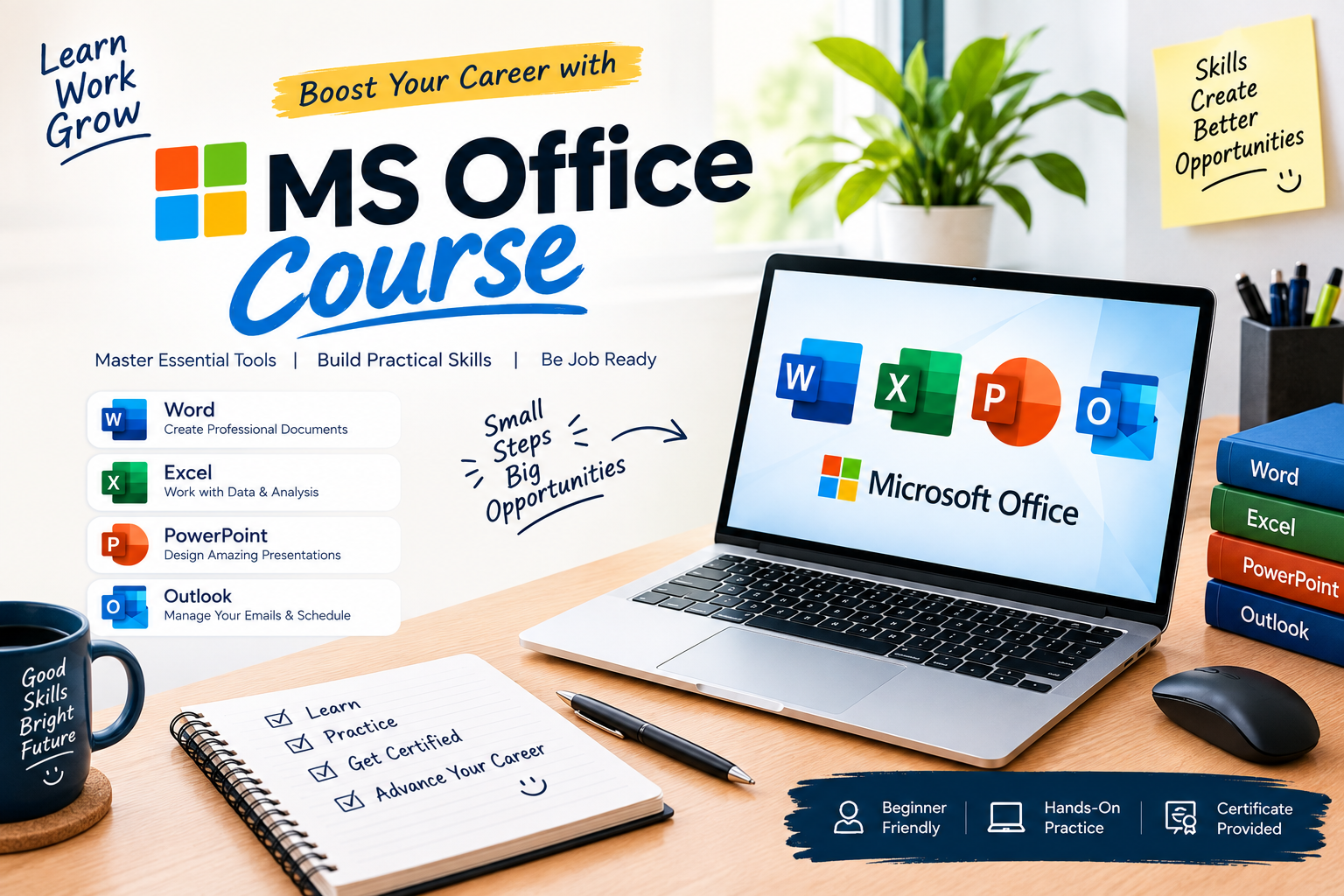
A solid program is built in layers rather than a single overwhelming module. Expect it to open with document basics — styles, templates, and mail merge before the dedicated MS Word course segment moves into longer reports, tracked changes, and collaborative editing. From there, spreadsheet lessons cover formulas, pivot tables, and data cleanup, followed by a presentation unit on slide design, transitions, and speaker notes. Most programs close with Outlook and Teams basics, since scheduling and email management are just as much a daily skill as anything else on the list. Lessons are usually short and task-based, and because you can complete this MS office course online, you can fit a module between meetings instead of clearing out an entire evening.
How This Program Compares to Other Microsoft Office Courses
Not every program is built the same way. Some are little more than video playlists with no feedback loop, while stronger ones include graded exercises, real sample files, and a certificate that actually reflects what you can do. Look for a syllabus that names specific outcomes "build a three-tab budget workbook," not just "learn Excel" and check whether support is available when you get stuck on a formula at 11 p.m. That structure is usually the difference between finishing strong and abandoning the course in week two.
Who This Course Is Best Suited For
This kind of training fits a wide range of people: students preparing for internships or part-time jobs, administrative and HR staff who touch spreadsheets daily, small-business owners managing their own invoices and reports, and career-changers moving into office-based roles from retail, hospitality, or other industries. It also suits anyone who already "knows" Office informally but keeps relying on the same three commands instead of the dozens of tools that would save time.
Career Scope After an MS Office Course
Nearly every entry-level and mid-level office role administrative assistant, data entry specialist, coordinator, junior analyst, customer support — lists Office proficiency as a baseline requirement, not a bonus. Some learners use the certificate to strengthen a resume for their first office job; others use it to move up within a company once they can finally build the reports their manager has been asking for. It's rarely the only skill on a job posting, but it's often the one that gets a resume past the first filter.
Frequently Asked Questions
Do I need any prior computer experience to start?
No. Most programs assume no prior knowledge and start with the basics opening files, navigating menus, and saving work correctly before building toward more advanced tasks.
How long does the training usually take?
It varies by provider, but most ms office training is structured into short weekly modules that add up to four to six weeks of part-time study, faster if you dedicate more hours per week.
Is the microsoft office online training self-paced or scheduled?
Many providers offer both: a self-paced track you can work through on your own schedule, and a cohort-based option with live sessions for people who prefer set deadlines and instructor access.
Will I receive a certificate at the end?
Yes, most structured programs issue a completion certificate you can add to a resume or LinkedIn profile, and some include a short skills assessment to back it up.
**Which version of Office does the course cover?
Reputable programs teach the current Microsoft 365 suite, including cloud features like real-time collaboration and version history, rather than an outdated desktop-only version.
Ready to Get Started?
Learning Microsoft Office properly is one of those quiet career advantages it doesn't show up as a flashy headline on a resume, but it shows up every single day on the job, in every report, deck, and spreadsheet you turn around faster than the person next to you. If you've been putting off brushing up on Word, Excel, and PowerPoint, this is the sign to stop guessing your way through menus and actually learn the tools properly. Enroll today and start building skills you'll use in every office job you ever hold.