Laravel application development is the process of building a custom web application — a booking system, an online store, a dashboard, a school or clinic management tool, almost anything with a database and users behind it — using the Laravel framework, which runs on PHP. In practice it means someone writes the backend logic, designs the database, builds an admin panel, adds login and security, and then puts the finished application on a live server so real people can use it. If you have seen this phrase while searching and are not sure what it actually covers, here is the full picture, stage by stage.
What "Laravel Application Development" Actually Covers
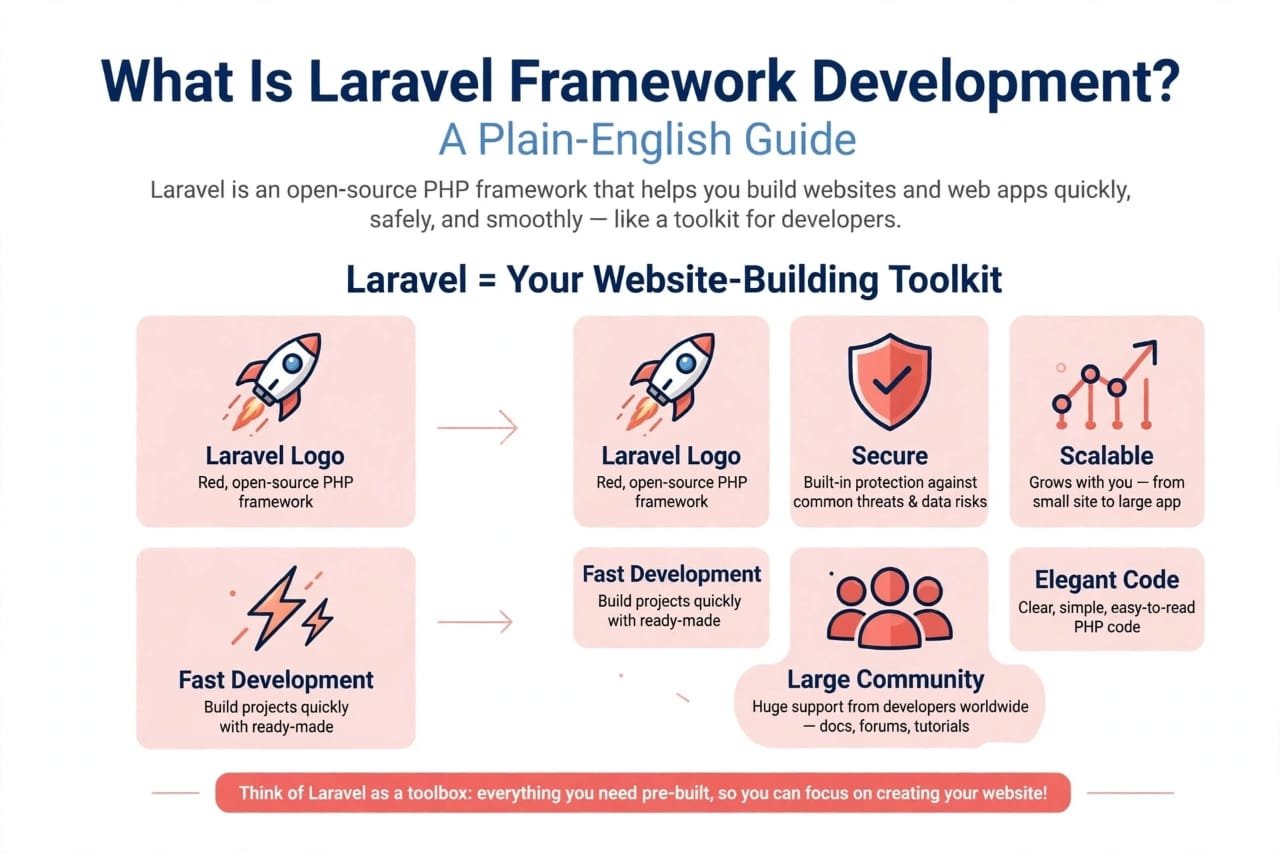
Laravel itself is not a finished product — it is a toolkit. It gives a developer ready-made pieces for the things almost every application needs: routing (deciding what happens when someone visits a URL), a clean way to talk to a database, a built-in login and permissions system, and tools for sending emails, scheduling tasks, and handling file uploads. "Laravel application development" is the work of taking those pieces and arranging them into something that solves one specific business problem — an inventory system for a shop, a fee-management portal for an academy, a booking app for a clinic.
This is different from a simple website. A website mostly shows information. An application lets people log in, enter data, and get something back — an order, a report, an approval. That is why Laravel, not plain HTML, is the usual choice once a business needs real functionality rather than just a presence online.
The Stages A Laravel Project Actually Goes Through
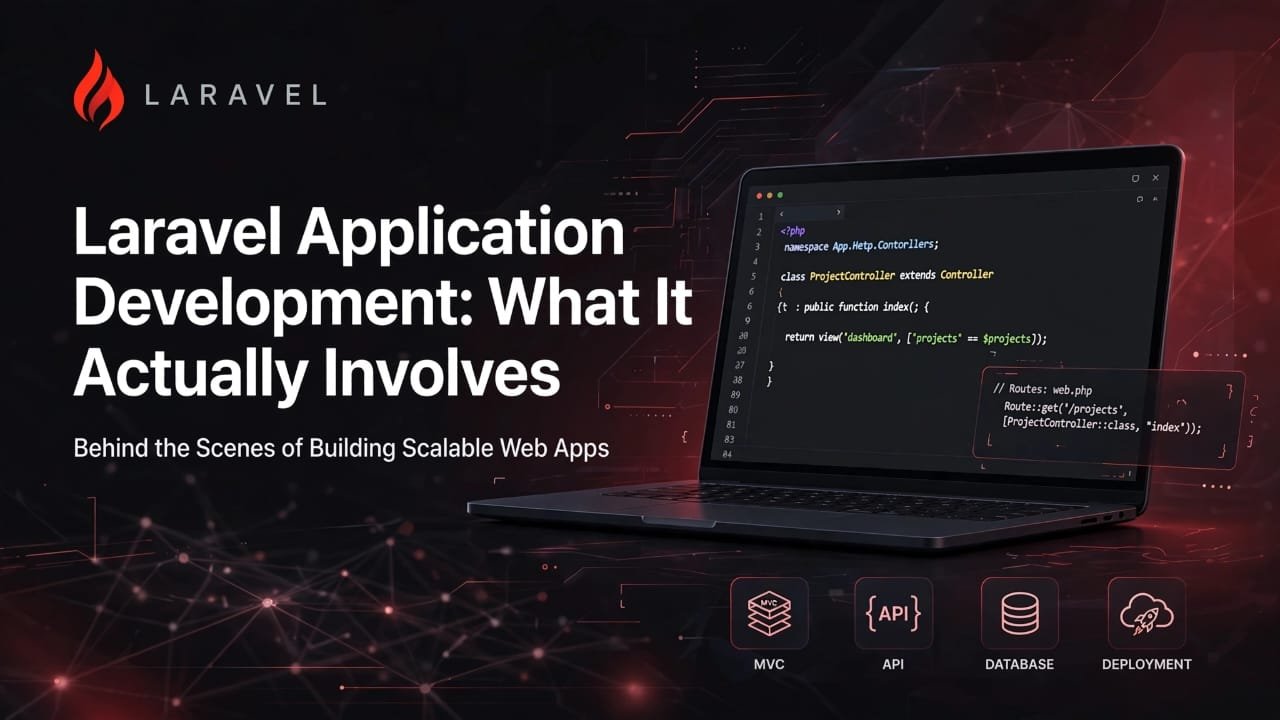
Most Laravel application development work follows a similar path, whether it is done by a freelancer, an agency, or a student building a final project:
- Planning and requirements — working out exactly what the application needs to do, who will use it, and what "finished" looks like, before writing a single line of code.
- Database design — deciding what information the application stores (users, orders, products, bookings) and how those pieces connect to each other.
- Backend logic — the actual rules of the application: what happens when someone places an order, submits a form, or requests a report. This is where most of a Laravel developer's time goes.
- Authentication and admin panel — login, user roles (admin, staff, customer), and a control panel for managing the data without touching code.
- Front-end connection — linking the backend to whatever the user actually sees, whether that is server-rendered pages or a separate front-end built with something like Vue or React.
- Testing — checking that the application behaves correctly, especially around payments, logins, and anything involving money or personal data.
- Deployment and maintenance — putting the application on a live server, keeping it running, and fixing or extending it as the business grows.
A small application might move through these stages in a few weeks. A larger one — multiple user roles, payments, integrations with other services — reasonably takes longer. There is no single honest number here; it depends entirely on how much the application actually needs to do, so treat any fixed timeline you are quoted with some caution until the requirements are clear.
Who Actually Does This Work
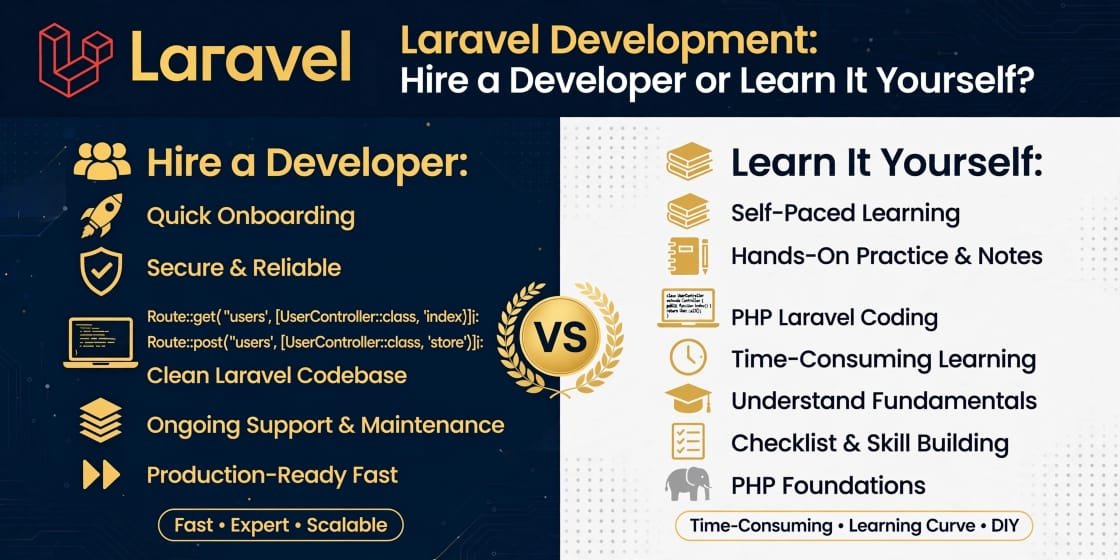
Laravel application development is carried out in three common ways, and each suits a different situation:
- A freelancer, usually for a single, well-defined application, paid either per project or per hour, often found on Fiverr or Upwork and paid internationally through Payoneer or a similar service.
- An agency or small team, for applications that need ongoing support, multiple features in parallel, or a faster timeline.
- Learning it yourself, which makes sense if you want to build your own product, join a company as a developer, or eventually freelance rather than pay someone else every time you need a change.
None of these is automatically "better" — it depends on whether you need the application built once, or whether you want the skill itself.
Why Laravel Specifically
Laravel is one of the most widely used PHP frameworks for exactly this kind of work because it keeps the repetitive parts — security basics, database queries, routing — handled sensibly by default, so a developer spends more time on what makes the application unique and less time rebuilding the same login system from scratch. It also has a large, active community, which matters practically: when something breaks at 11pm before a deadline, there is usually already a documented answer. For businesses in Pakistan hiring developers, and for students choosing what to learn, that combination of speed and support is a big part of the appeal.
If You Want To Learn It Rather Than Keep Paying For It
If you are reading this because you keep needing Laravel applications built and are wondering whether it is finally worth learning the skill yourself, the honest answer is: it depends on how often you need this done, and whether you are drawn to the problem-solving side of it, not just the cost of hiring someone.
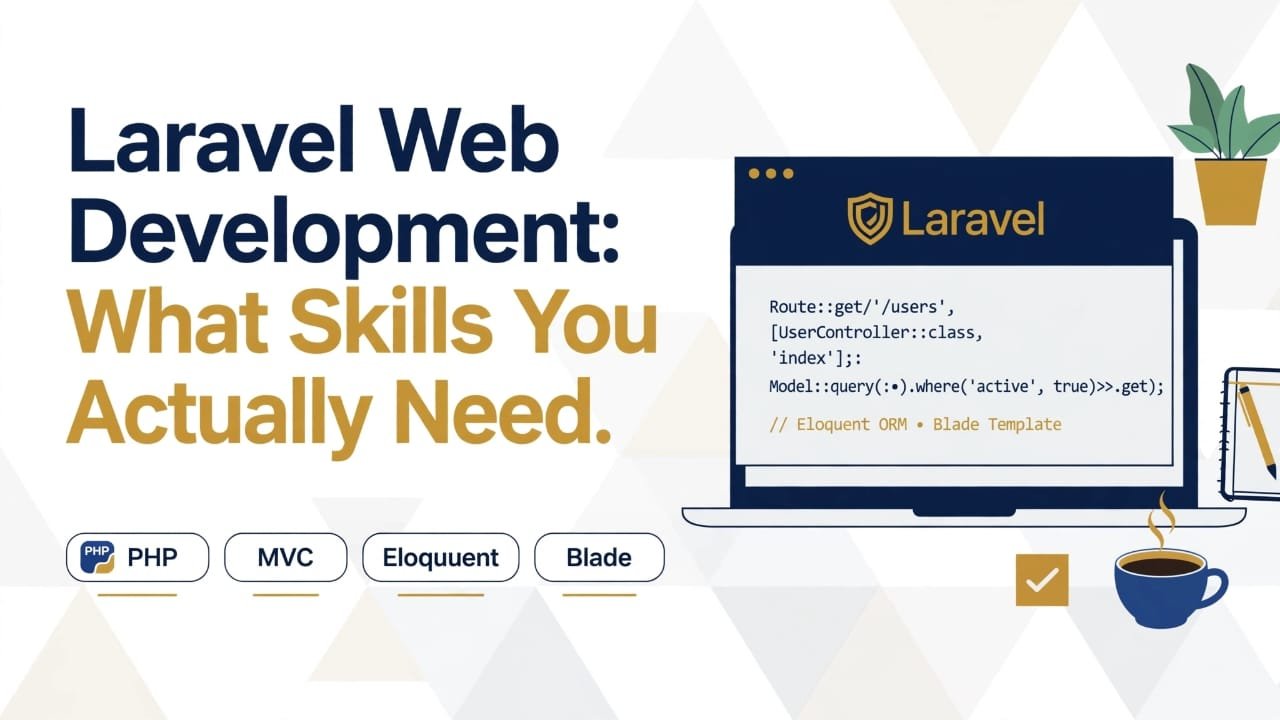
Learning Laravel application development properly means working through PHP fundamentals first, then Laravel's own patterns, and then — most importantly — actually building something from an empty folder to a deployed, working application, including the parts that are easy to skip in tutorials, like authentication and an admin panel. That is the structure our Laravel Development course follows, with live batches on Zoom, so if you get stuck on a database relationship or a login bug at 9pm, you can ask the question the moment it happens rather than waiting for a reply on a forum.
The Practical Takeaway
Laravel application development is not one task but a sequence of them — planning, database design, backend logic, admin tools, testing, and deployment — and the time and cost of any project depends on how many of those stages are complex, not on Laravel itself. If you are hiring someone, ask them to walk you through these stages for your specific project before agreeing on a price or deadline. If you are considering learning it, know that the backend logic and the admin panel are where the real skill — and the real course content — lives, not just the setup.